# newPendingTransactions
> Emits transaction hashes that are sent to the network and marked as \pending\.
> For the complete documentation index, see [llms.txt](/docs/llms.txt).
The `newPendingTransactions` subscription type subscribes to all pending transactions via WebSockets (regardless if you sent them or not), and returns their transaction hashes.
When listening to pending transactions with this endpoint, you will only get pending transactions in Alchemy mempool.
We highly recommend using `alchemy_pendingTransactions` instead of `newPendingTransactions` to receive more detailed information like full transaction objects as well as filtering on `from` and `to` addresses for pending transactions.
# Supported Networks
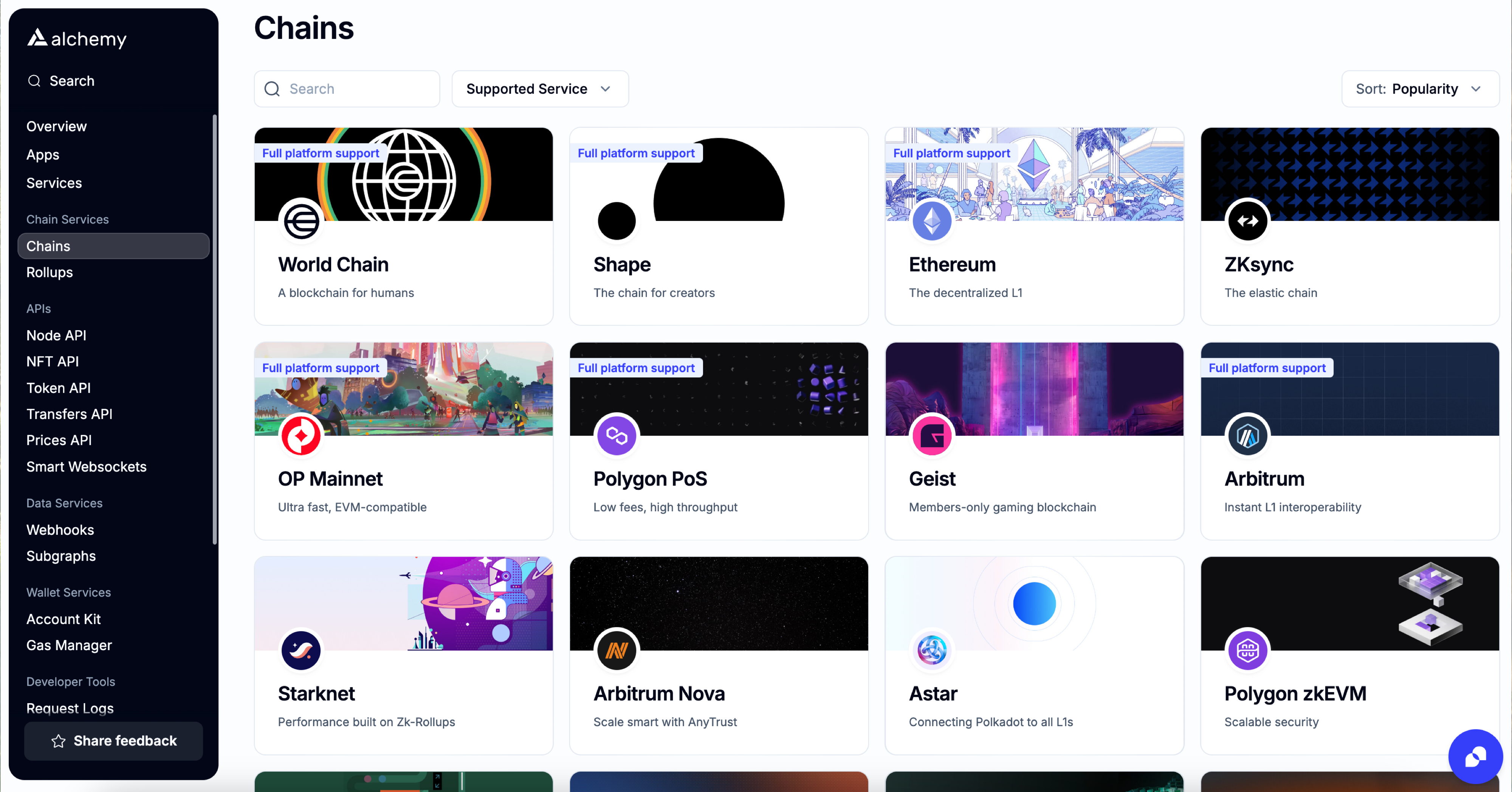
Check the [Chains](https://dashboard.alchemy.com/chains) page for details about product and chain support!
Returns the hash for all transactions that are added to the pending state (regardless if you sent them or not).
# Parameters
None
# Returns
* `result`: `string` - transaction hash for pending transaction
* `subscription`: `string` - subscription ID
# Request
```curl wscat
// initiate websocket stream first
wscat -c wss://eth-mainnet.g.alchemy.com/v2/demo
// then call subscription
{"jsonrpc":"2.0","id": 2, "method": "eth_subscribe", "params": ["newPendingTransactions"]}
```
```javascript alchemyweb3.js
// Installation: https://github.com/alchemyplatform/alchemy-web3
const { createAlchemyWeb3 } = require("@alch/alchemy-web3");
// Initialize alchemy-web3 object.
const web3 = createAlchemyWeb3(`wss://eth-mainnet.g.alchemy.com/v2/demo`);
// Subcribes to the event and prints results
web3.eth.subscribe("newPendingTransactions").on("data", (data) => console.log(data));
```
# Result
```shell result
{"id":1,"result":"0xc3b33aa549fb9a60e95d21862596617c","jsonrpc":"2.0"}
{
"jsonrpc":"2.0",
"method":"eth_subscription",
"params":{
"subscription":"0xc3b33aa549fb9a60e95d21862596617c",
"result":"0xd6fdc5cc41a9959e922f30cb772a9aef46f4daea279307bc5f7024edc4ccd7fa"
}
}
```