

After discussing keys, the next logical piece is the wallet. In the crypto world, a wallet is not a leather pouch for cash, but rather a tool (software or hardware) that helps you manage your blockchain addresses, private keys, and therefore your tokens. An important clarification: a wallet does not actually hold your coins inside it like a physical wallet holds cash. The coins are always on the blockchain (which is a distributed ledger out there on the network). The wallet holds your keys (or helps you generate/use them) and interfaces with the blockchain.
Think of a wallet as an app or device that shows you your balance, lets you create transactions, and securely stores your secret keys. When you want to send a token to someone, you open your wallet, choose the amount and recipient address, and the wallet software will use your private key (often behind the scenes) to sign the transaction and broadcast it to the blockchain network. The wallet simplifies all the cryptography into a user-friendly experience (well, relatively user-friendly—crypto wallets can still be tricky, but they’re improving).
There are different types of wallets:

-
Software Wallets (Hot Wallets): These are apps or programs on your phone or computer (or browser extensions). Examples include mobile wallets like Trust Wallet or Coinbase Wallet, desktop wallets like Electrum, or browser-based ones like MetaMask (popular for Ethereum and Web3 dApps). They are called “hot” because they’re typically online or easily connectable to the internet, which makes them convenient for frequent use (but potentially a bit less secure if your device is compromised).
-
Hardware Wallets (Cold Wallets): These are physical devices (like a USB stick with special firmware, e.g. Ledger or Trezor devices) that store your private keys offline. You connect them to a computer when you need to sign a transaction. Because they remain offline (except during signing, and even then the keys never leave the device), they are very secure against online hacks. They are like a vault for your keys. Even if your computer has malware, a hardware wallet can often protect your keys because the signing happens in the device. They’re used for storing larger amounts or long-term holdings safely.
-
Paper Wallets: This is basically just writing down your private key or seed phrase on paper (or engraving in metal) and keeping it somewhere safe. It’s an old-school cold storage method. It’s safe from online threats (hackers can’t digitally steal a key that’s never been on a computer), but of course the paper can burn, get lost, or be found by someone, so it has its own risks.
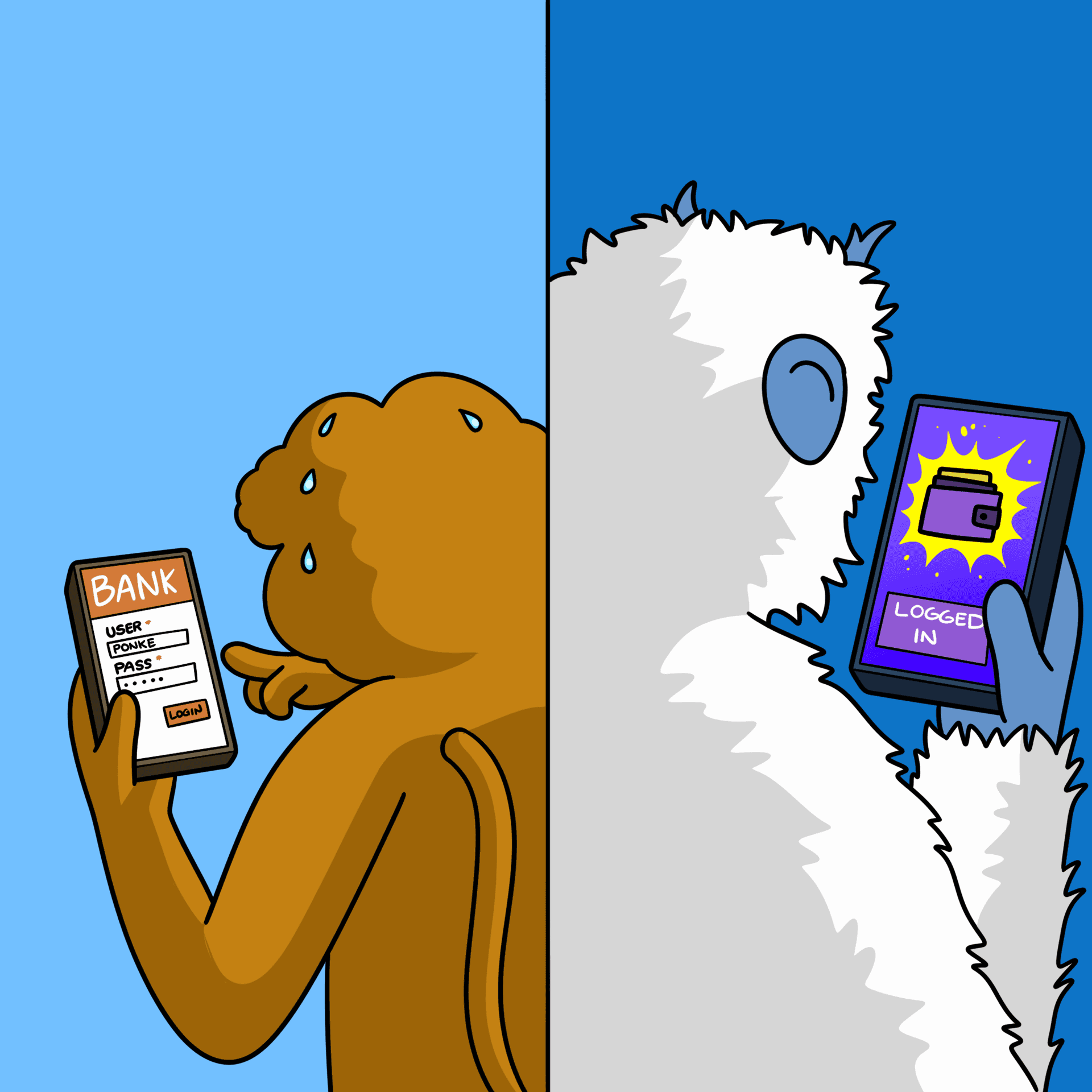
🧾 ANALOGY: Wallets vs. Bank Accounts
| Web2 Bank App | Web3 Wallet |
|---|---|
| Email/password login | Public/private key pair |
| Bank does transfers | You sign each transaction |
| Resettable login | No reset if you lose your key |
| FDIC-backed | Self-custody: you’re the vault |
No matter the type, the wallet’s core purpose is the same: store your credentials (keys) and enable you to send/receive tokens. Many wallets today also let you interact with dApps (coming in a moment)—for example, you can use a wallet to connect to a decentralized exchange website and trade directly from your wallet. The wallet will pop up asking for approval and then sign transactions on your behalf.
To illustrate: MetaMask (a popular browser wallet) works as an extension that injects into websites. If you go to a Web3 site (say a decentralized game or marketplace), and you hit “Connect Wallet,” MetaMask will appear asking if you want to connect. Once connected, if you try to do something like buy an NFT on that site, MetaMask will show the transaction details and ask you to approve and sign. It’s basically acting as your keychain and authorization tool. Without a wallet, a Web3 site can’t automatically charge you or control your assets—you must confirm via your wallet. This is a big difference from Web2, where a site might just take actions via your logged-in account behind the scenes. In Web3, the wallet adds a layer of user consent and security (though it also adds a bit of friction).
Another concept: Custodial vs Non-Custodial wallets. A non-custodial wallet is what we’ve been describing—you hold your own keys (hence custody of your assets). A custodial wallet is when you let someone else (like an exchange) hold the keys for you. For example, if you keep crypto on a major exchange, you log in with a username and password, and the exchange’s system handles the actual blockchain addresses and keys. This is easier (you can reset password, etc.), but it means trusting that custodian—and if they have issues or freeze withdrawals, you’re stuck. Many prefer non-custodial wallets in Web3 for the principle of control (though it requires more responsibility on the user’s part). We’ll discuss this balance in the Risks chapter.
So, you can think of a wallet as your personal blockchain account manager. It shows you “You have 2 ETH, 0.5 BTC, and some NFTs at these addresses,” and when you want to send something, it’s the one saying “Okay, I’ll sign off with the key and send it out.” Modern wallets often support multiple blockchains too. For example, one wallet app might let you manage Bitcoin, Ethereum, and others all in one interface (the keys are different for each, but the app handles it).
One more analogy: If the blockchain is a huge bank with safe deposit boxes, your public address is a box number where your assets are, your private key is the unique key for that box, and the wallet is like your keyring and online banking app combined—it holds the key and lets you interface with the vault (blockchain). Without the wallet (key), you can’t do anything with that box. With it, you can deposit or withdraw (send/receive crypto).
✍️ ACTIVITY: Wallet Decision Tree
Choose the right wallet:
- If you want full control and plan to trade NFTs → use a non-custodial software wallet
- If you want to store Bitcoin long-term securely → use a hardware wallet
- If you just want convenience and don’t mind risk → a custodial wallet (e.g., centralized exchange)