

This page documents Account Kit (v4). New projects are recommended to start with v5 (
@alchemy/wallet-apis).Below is a demo application that showcases session keys on Wallet APIs.
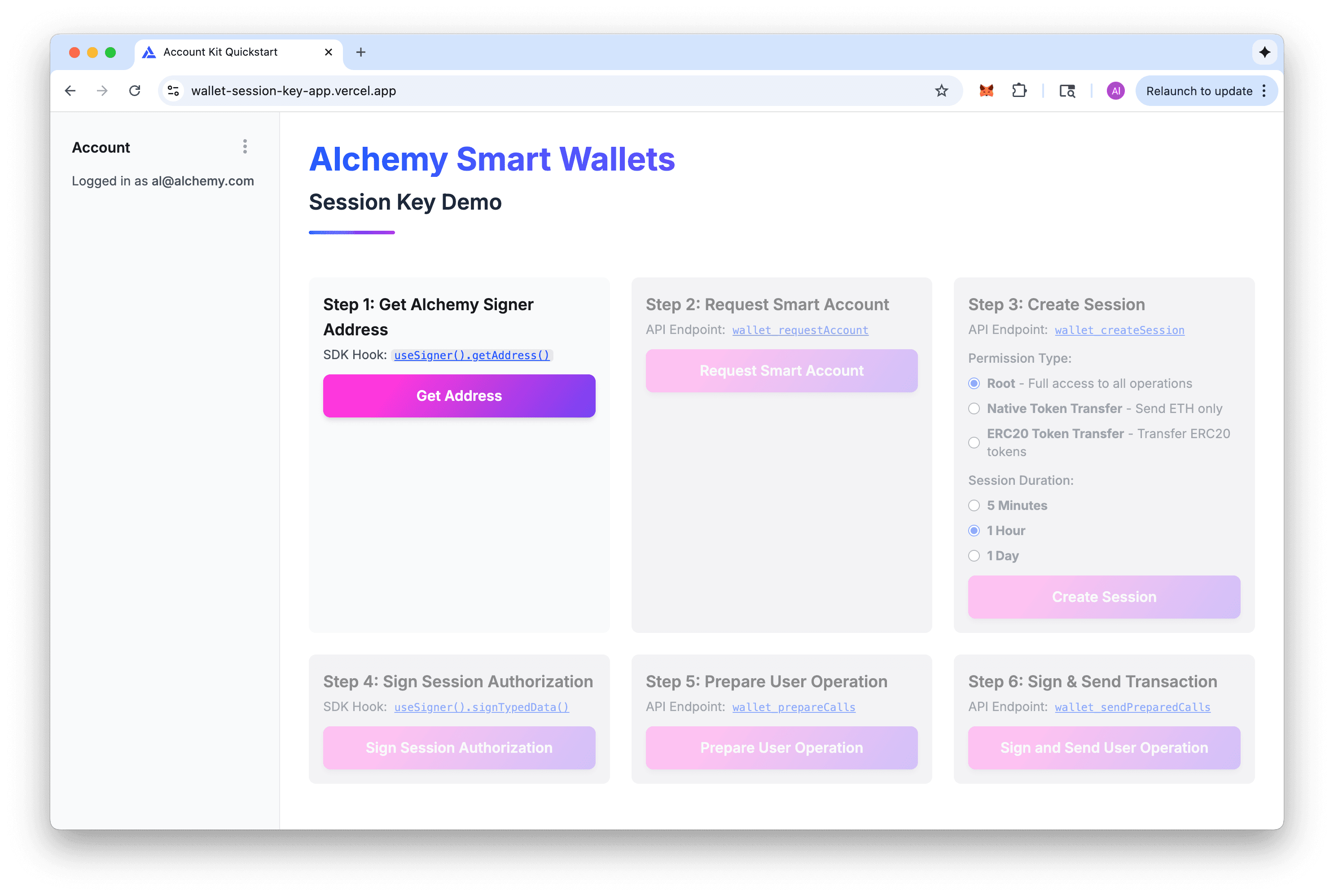
This demo walks you through the flow of creating and using session keys with smart wallets. You'll learn how to request a smart wallet, create session keys with different permissions, authorize sessions, and execute transactions without repeated signatures.
The demo includes step-by-step guidance through:
- Session key creation -- Generate temporary keys with scoped permissions
- Permission types -- Choose from root permissions, native token transfers, or ERC-20 token transfers
- Session duration -- Set expiration (5 minutes, 1 hour, or 1 day)
- Authorization flow -- See how session keys are authorized by the wallet owner
- Transaction execution -- Execute multiple transactions using session keys without additional wallet approvals
- Real-time feedback -- Watch transaction status updates on Sepolia
This application uses our react hooks and built-in auth components to demonstrate the complete session key lifecycle.