Usage data is now queryable in the Alchemy CLI
Author: Lisa Ma
Usage data is now queryable in the Alchemy CLI. You can pull your team's compute and cost data, both totals and a breakdown over time, straight from the terminal. The same data is available to AI agents through the Alchemy MCP Server, so an agent can see what your team is consuming without a custom integration.
Until now, checking usage meant logging into the Dashboard and reading the charts manually. There was no first-class programmatic way to get at the numbers. Now there is.
What you can do
Two commands cover most of what you'll reach for.
alchemy usage summarygives you month-to-date, last 7 days, or last 30 days totals, in both compute units and USD.alchemy usage timeseriesgives you the same numbers plotted over time, so you can see when traffic and spend moved.
Both render as a readable chart in your terminal. Add --json and you get structured output instead, ready to pipe into a script, a dashboard, or an alert.
alchemy usage summary
alchemy usage timeseries
For machine-readable output:
alchemy usage summary --json
alchemy usage timeseries --json
Slice it the way the Dashboard does
You can group usage by network, app, method, or request type, and filter on any of them, so you can answer questions like which app is driving compute or which method spiked overnight. Pick hourly or daily granularity with --granularity. This is full parity with the Dashboard's usage view, which stays the visual source of truth.
A few examples:
alchemy usage summary --metrics amount,usd
alchemy usage timeseries --group-by network --granularity day
alchemy usage summary --app-ids <id> --methods eth_getLogs
Give your agents usage awareness
The same usage data is exposed through the Alchemy MCP Server as two tools: get_usage_summary and get_usage_time_series. Point an agent at your MCP server and it can reason about consumption and cost as part of its context, so an agent monitoring your infrastructure also knows what that infrastructure is costing.
If you already connected the MCP server to Cursor, Claude Code, or Codex — see the MCP setup guide or our MCP announcement — these tools show up alongside the rest of the Alchemy surface. Pair them with Agent Skills if you want your agent to know how to call Alchemy APIs in code; MCP is what gives it live usage data in the conversation.
Who this is for
If you're building agents or you just want programmatic, scriptable visibility into what your team consumes, this is for you. Monitor spend while you develop. Wire usage into an agent's context. Build your own cost dashboard or a budget alert. Track down which network, app, or method is responsible for a jump in compute. All of it now lives where you already work.
Getting started
Make sure you're on Node 22 or later, then install or update the CLI:
npm install -g @alchemy/cliThen run alchemy usage summary and you're looking at your numbers. See the usage docs for flags and filters, or our 12 things you can do faster with the Alchemy CLI walkthrough for the full command surface.
Usage in the CLI and the MCP server is one more step toward a platform that agents and developers can both operate directly. Update the CLI, run a command, and tell us what you'd want to see next.
Alchemy Newsletter
Be the first to know about releases
Sign up for our newsletter
Get the latest product updates and resources from Alchemy
By entering your email address, you agree to receive our marketing communications and product updates. You acknowledge that Alchemy processes the information we receive in accordance with our Privacy Notice. You can unsubscribe anytime.

Related articles
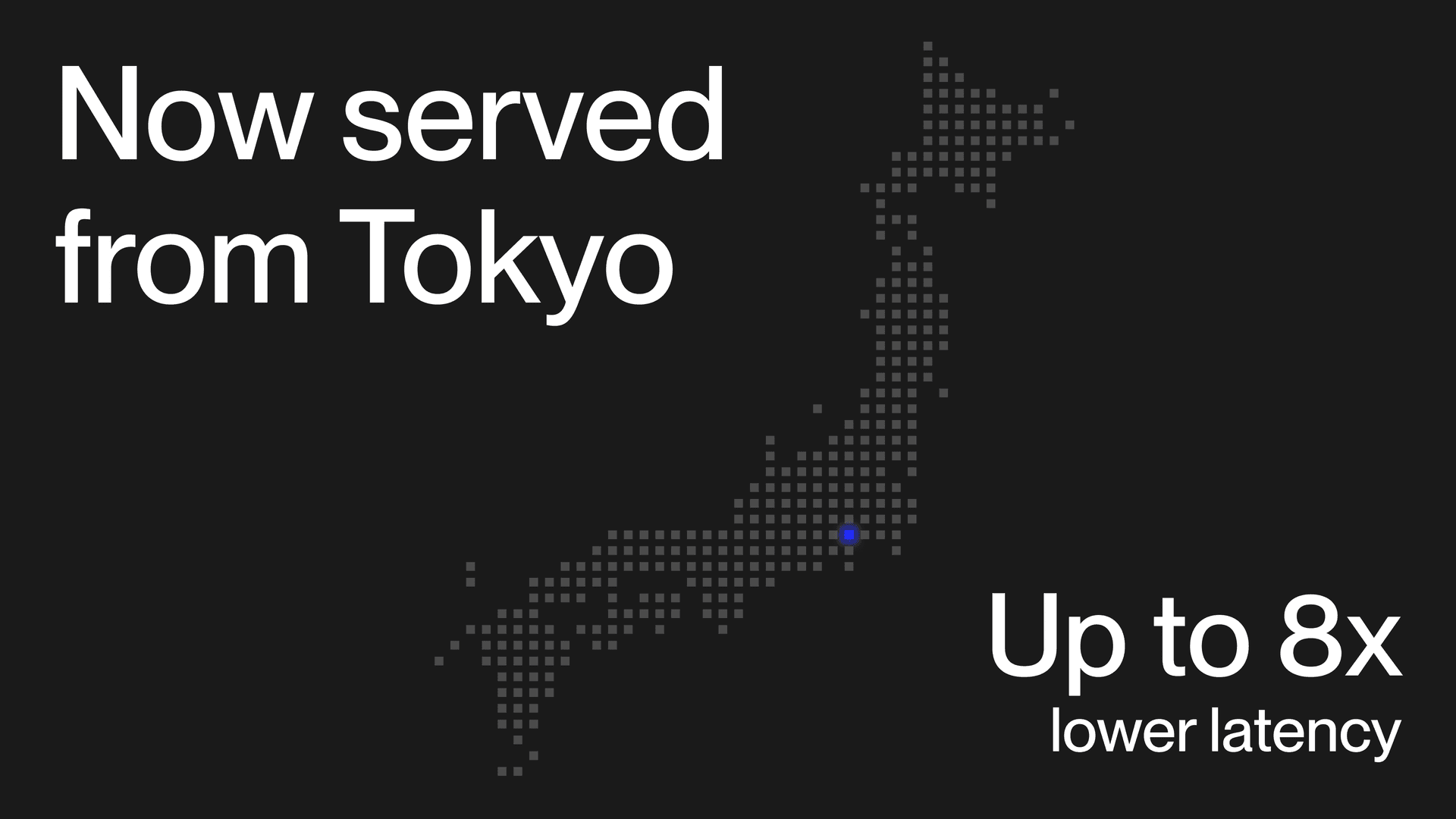
Alchemy launches Tokyo regional support
Node RPC, WebSockets, and Dedicated Clusters are now live in Tokyo, with up to 8x lower median latency for requests from Japan.
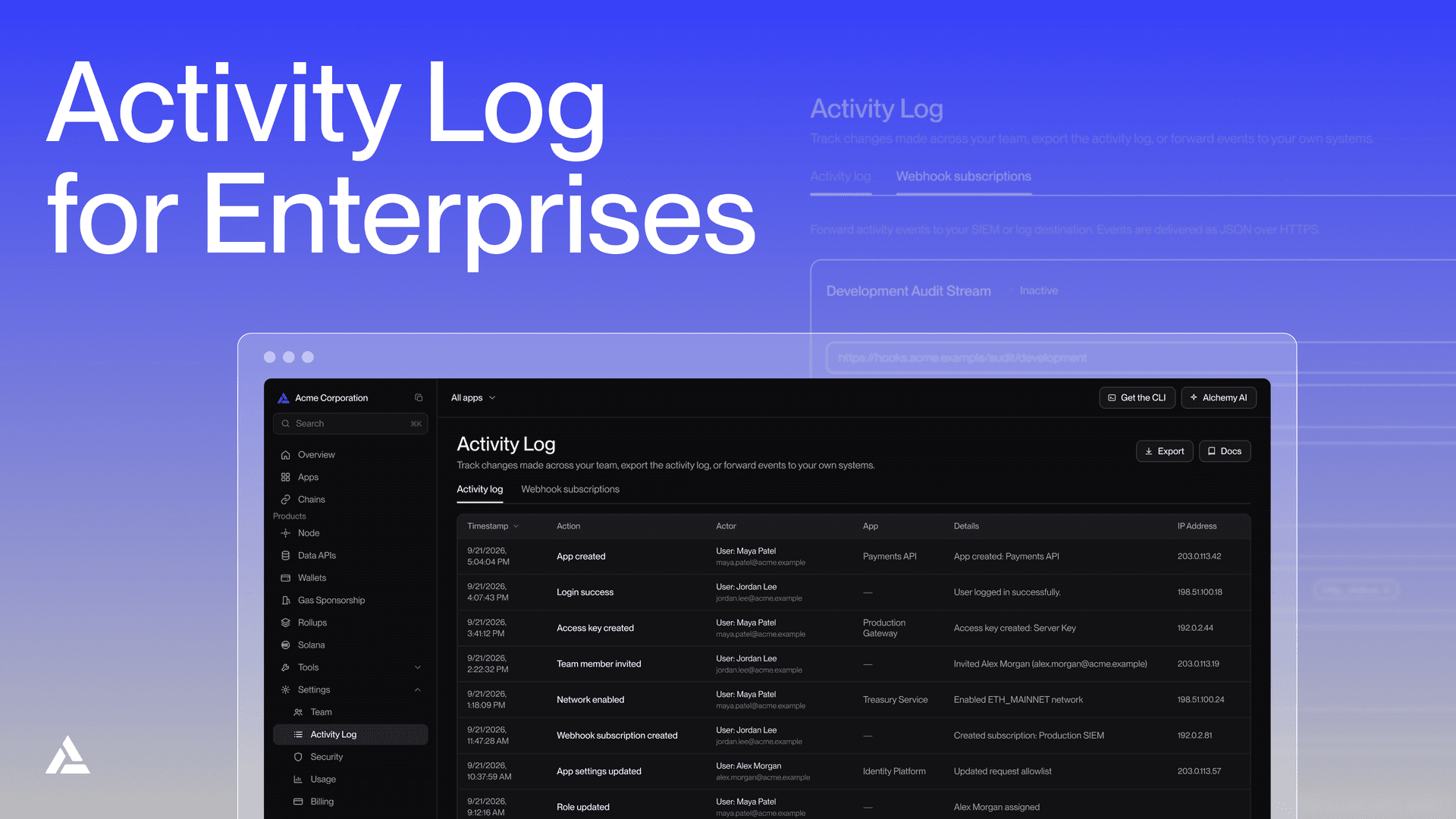
Introducing Activity Log for Enterprises
Activity Log is now available for enterprise teams. Review account changes in the dashboard, or send them to your SIEM.

Arc mainnet is live on Alchemy
Arc, an open Layer-1 for the world's financial markets, is live on Alchemy with Day 1 RPC, WebSockets, Data APIs, Wallet APIs, and gasless transactions.